Screens
This page documents all available screens in the Nimbus CloudWash Payment Panel. Each screen can be triggered via the SWITCH_TO_SCREEN command.
Command Structure
All screen commands follow this structure:
| Field | Size | Value | Description |
|---|---|---|---|
| type | 1 byte | 0x21 ('!') | WRITE command (or 0x23 for WRITE_EXTENDED) |
| group | 1 byte | 0x01 | SWITCH_TO_SCREEN group |
| id | 1 byte | 0x01-0x07 | Screen ID (see below) |
| payload_len | 1 byte | 0x00-0xFF | Length of payload in bytes (0x00 for extended) |
| payload | variable | — | Optional parameters (see each screen) |
| crc16 | 2 bytes | — | CRC16 checksum (little-endian) |
Note: For payloads longer than 255 bytes, use WRITE_EXTENDED type (0x23 / '#'). Set payload_len to 0x00 and follow with an 8-byte uint64 length field. See the Command Protocol page for details.
Parameter Format
Each parameter in the payload contains:
| Field | Size | Description |
|---|---|---|
| param_id | 2 bytes | Parameter identifier (little-endian) |
| len | 2 bytes | Length of parameter data (little-endian) |
| data | variable | Parameter value |
For detailed protocol information, see the Command Protocol page.
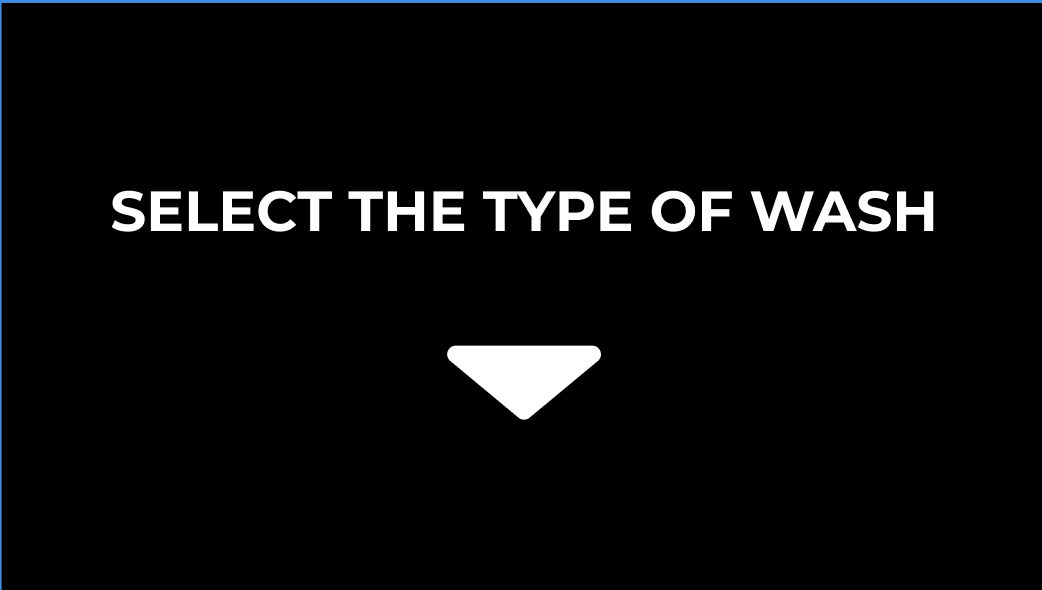
Screen 1: Select Type of Carwash
Screen ID: 0x01
The initial screen where users select the type of car wash service.
Parameters
| Param ID | Name | Type | Default Value |
|---|---|---|---|
| 0 | LABEL | string | "SELECT TYPE OF CARWASH" |
Binary Example
Switch to Screen 1 with default parameters:
Command Structure:
  type:        0x21  (WRITE)
  group:       0x01  (SWITCH_TO_SCREEN)
  id:          0x01  (SELECT_TYPE_OF_CARWASH)
  payload_len: 0x00  (no parameters, use defaults)
  payload:     (empty)
  crc16:       0x45FB (little-endian: FB 45)

Binary: 21 01 01 00 FB 45
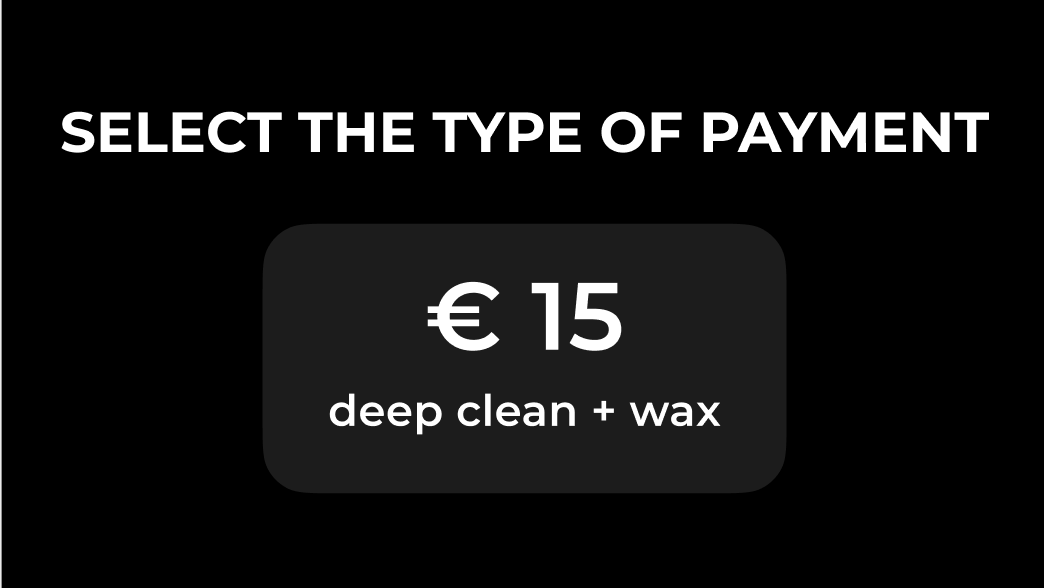
Screen 2: Select Type of Payment
Screen ID: 0x02
Screen where users choose their payment method (card or QR code).
Parameters
| Param ID | Name | Type | Default Value |
|---|---|---|---|
| 0 | LABEL_STRING | string | "SELECT THE TYPE OF PAYMENT" |
| 1 | PRICE_SUBTITLE_STRING | string | "deep clean + wax" |
| 2 | PRICE_STRING | string | "€ 15" |
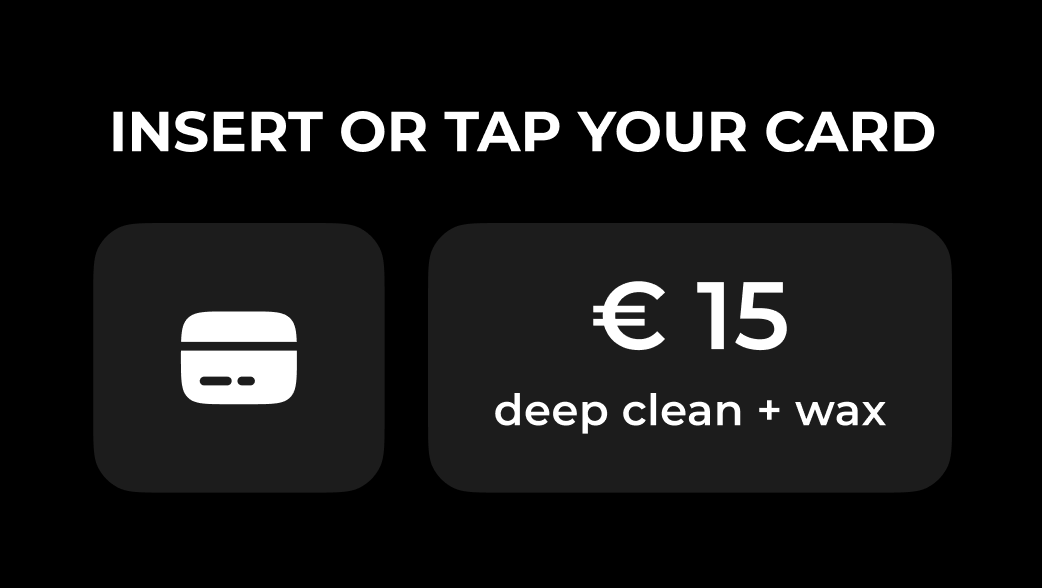
Screen 3: Insert or Tap Your Card
Screen ID: 0x03
Prompt for contactless or chip card payment.
Parameters
| Param ID | Name | Type | Default Value |
|---|---|---|---|
| 0 | LABEL_STRING | string | "INSERT OR TAP YOUR CARD" |
| 1 | PRICE_STRING | string | "€ 15" |
| 2 | SUBTITLE_STRING | string | "deep clean + wax" |
Binary Example
Switch to Screen 3 with custom price "€ 25":
Command Structure:
  type:        0x21  (WRITE)
  group:       0x01  (SWITCH_TO_SCREEN)
  id:          0x03  (INSERT_OR_TAP_YOUR_CARD)
  payload_len: 0x0A  (10 bytes)
  payload:
    param_id:  0x01 0x00  (PRICE_STRING, little-endian)
    len:       0x05 0x00  (5 bytes, little-endian)
    data:      E2 82 AC 20 32 35  ("€ 25" in UTF-8)
  crc16:       0xC33C (little-endian: 3C C3)

Binary: 21 01 03 0A 01 00 05 00 E2 82 AC 20 32 35 3C C3
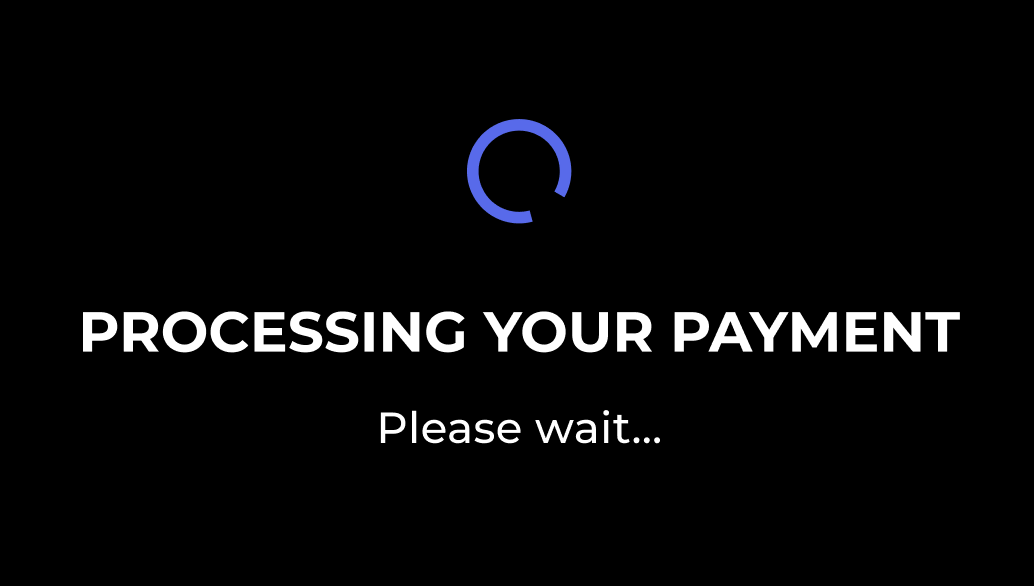
Screen 4: Processing Your Payment
Screen ID: 0x04
Loading screen shown while payment is being processed.
Parameters
| Param ID | Name | Type | Default Value |
|---|---|---|---|
| 0 | LABEL_STRING | string | "PROCESSING YOUR PAYMENT" |
| 1 | SUBTITLE_STRING | string | "Please wait..." |
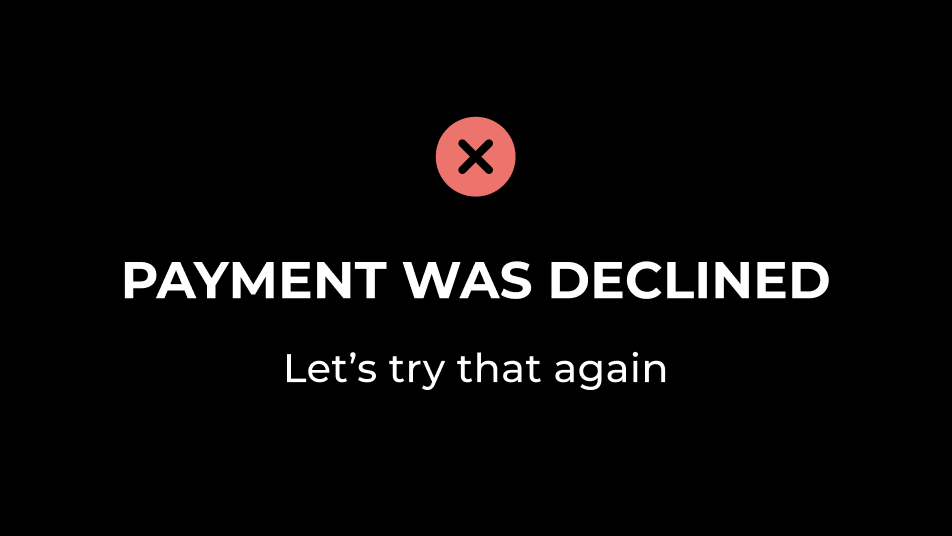
Screen 5: Payment Was Declined
Screen ID: 0x05
Error screen shown when payment fails or is declined.
Parameters
| Param ID | Name | Type | Default Value |
|---|---|---|---|
| 0 | LABEL_STRING | string | "PAYMENT WAS DECLINED" |
| 1 | SUBTITLE_STRING | string | "Let's try that again." |
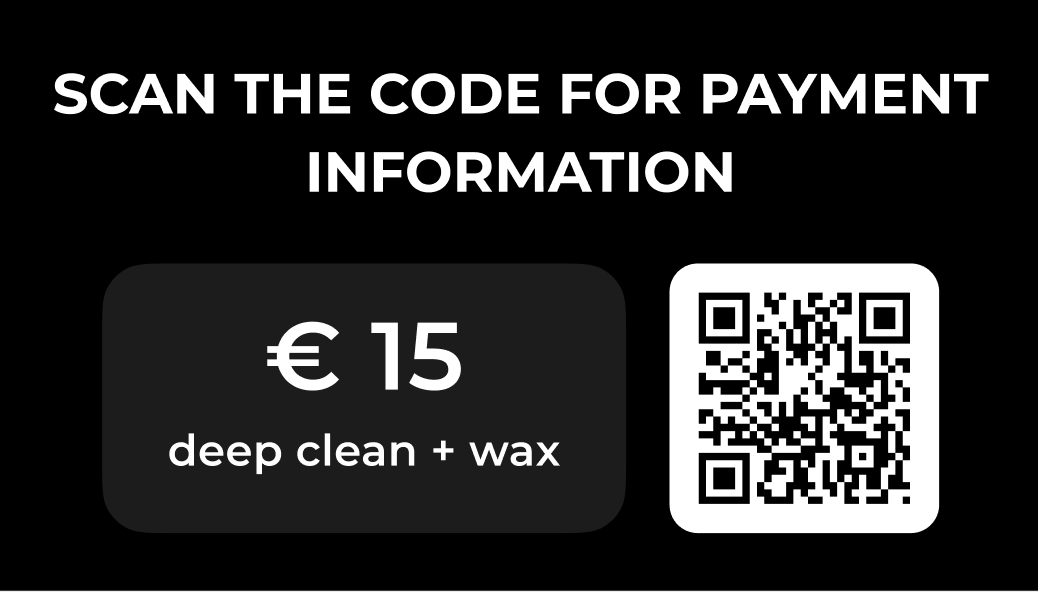
Screen 6: Scan QR Code for Payment Information
Screen ID: 0x06
QR code payment screen displaying a scannable code with payment details.
Parameters
| Param ID | Name | Type | Default Value |
|---|---|---|---|
| 0 | LABEL_STRING | string | "SCAN THE CODE FOR PAYMENT\nINFORMATION" |
| 1 | PRICE_STRING | string | "€ 15" |
| 2 | SUBTITLE_STRING | string | "deep clean + wax" |
| 3 | QR_DATA_BYTES | bytes | "https://nimbus-cloudwash.si/pay/00000" (no null terminator) |
Binary Example
Switch to Screen 6 with custom QR code:
Command Structure:
  type:        0x21  (WRITE)
  group:       0x01  (SWITCH_TO_SCREEN)
  id:          0x06  (SCAN_QR_CODE_FOR_PAYMENT_INFORMATION)
  payload_len: 0x29  (41 bytes)
  payload:
    param_id:  0x03 0x00  (QR_DATA_BYTES, little-endian)
    len:       0x25 0x00  (37 bytes, little-endian)
    data:      68 74 74 70 73 3A 2F 2F ...  ("https://nimbus-cloudwash.si/pay/12345")
  crc16:       0x2617 (little-endian: 17 26)

Binary: 21 01 06 29 03 00 25 00 68 74 74 70 73 3A 2F 2F 6E 69 6D 62 75 73 2D 63 6C 6F 75 64 77 61 73 68 2E 73 69 2F 70 61 79 2F 31 32 33 34 35 17 26
Note: QR_DATA_BYTES does not require a null terminator since lv_qrcode_update() uses explicit length.
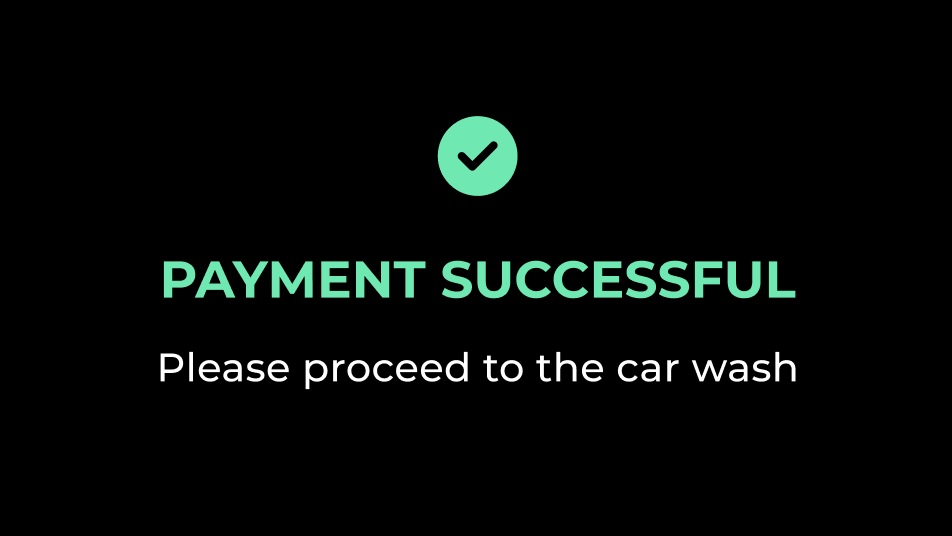
Screen 7: Payment Successful
Screen ID: 0x07
Success confirmation screen shown after successful payment.
Parameters
| Param ID | Name | Type | Default Value |
|---|---|---|---|
| 0 | LABEL_STRING | string | "PAYMENT SUCCESSFUL" |
| 1 | SUBTITLE_STRING | string | "You may now start the car wash." |
Implementation Reference
The screen definitions are located in Inc/communication/commands.h:21-104. Each screen is defined under the CMD::SWITCH_TO_SCREEN::ID namespace with its corresponding parameters enumeration.